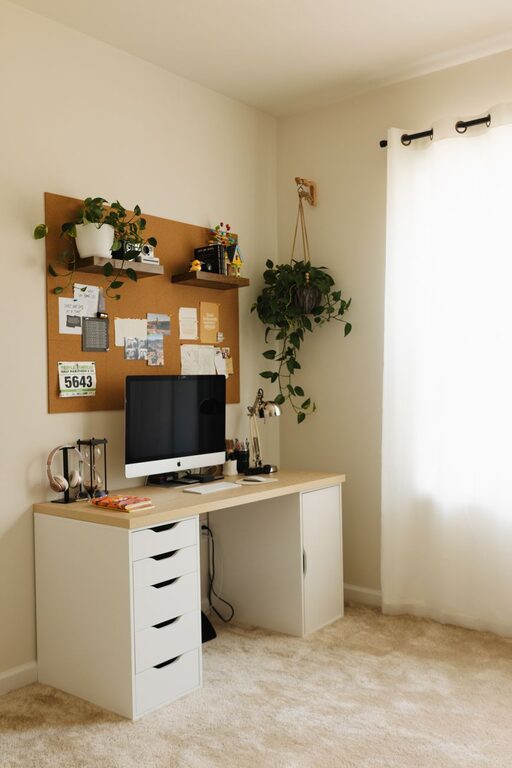
Creating a cozy and productive home office space is essential for anyone working remotely or managing tasks from home. A well-designed workspace can boost your focus, reduce stress, and make your workday more enjoyable. Here are some practical tips to help you craft a home office that balances comfort with functionality.
Choose the Right Location
Selecting the right spot for your home office is the first step toward creating an effective workspace.
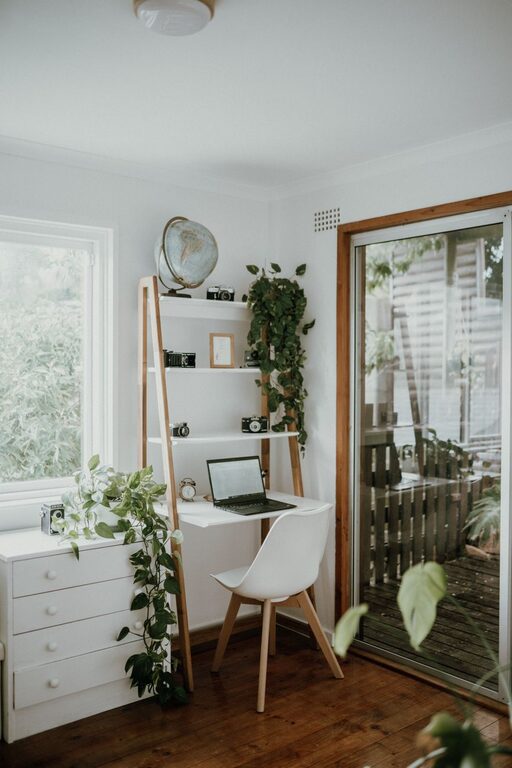
– Consider natural light: Try to set up your office near a window to take advantage of natural sunlight, which can improve mood and reduce eye strain.
– Minimal distractions: Pick a quiet corner or room where noise is minimal and interruptions are rare.
– Space availability: Ensure there is enough room for your desk, chair, computer, and any other necessary equipment or storage.
Invest in Comfortable, Ergonomic Furniture
Comfort is key when it comes to sustaining productivity throughout the day.
– Ergonomic chair: Choose a chair that supports your lower back and promotes good posture.
– Functional desk: Your desk should fit your workflow, with adequate surface area for your monitor, keyboard, and supplies.
– Adjustable options: Consider sit-stand desks or monitor stands to allow movement and limit strain from sitting too long.
Optimize Lighting
Good lighting affects your ability to focus and reduces fatigue.
– Natural light: Maximize window exposure but avoid glare on your computer screen by positioning your desk perpendicular to windows.
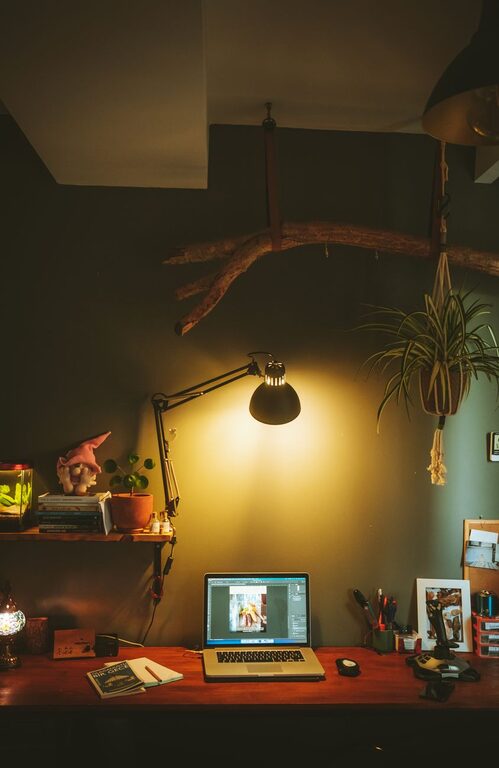
– Layered lighting: Use a combination of ambient ceiling lights and task lighting like desk lamps to brighten your work area.
– Warm light bulbs: Choose bulbs with a warm tone to create a cozy atmosphere that feels inviting.
Organize with Purpose
Clutter can lead to distraction, so organizing your space is vital.
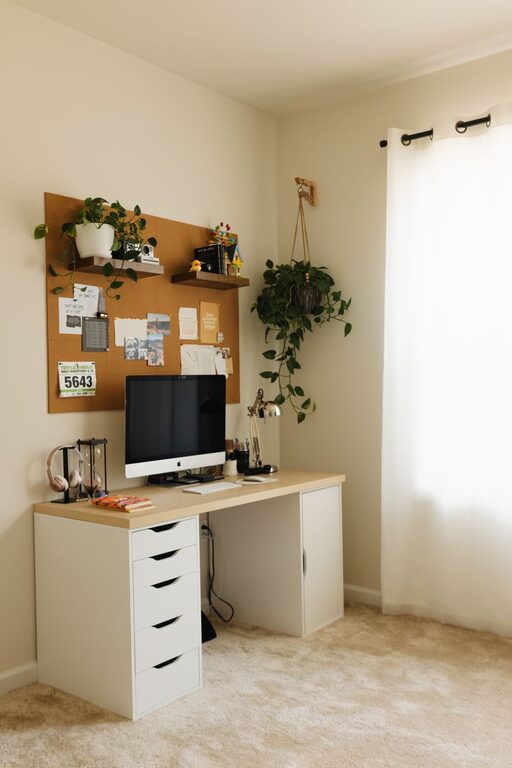
– Storage solutions: Use shelves, drawers, or filing cabinets to keep documents and supplies tidy.
– Desk organizers: Small containers for pens, paper clips, and notes help keep things within reach but out of the way.
– Cable management: Use clips or cable sleeves to keep cords neat and prevent tangling.
Personalize Thoughtfully
Adding personal touches makes your office feel inviting without becoming distracting.
– Plants: A few small indoor plants can improve air quality and add a refreshing natural element.
– Artwork: Hang inspiring prints or photos that motivate you.
– Comfort items: A cozy throw blanket or decorative pillows can increase comfort without overcrowding the space.
Minimize Noise and Enhance Focus
Reducing background noise helps maintain concentration during work hours.
– Noise-canceling headphones: Useful for blocking out household noise and tuning into calls or music.
– Soundproofing: Rugs, curtains, or wall panels can absorb sound to reduce echo.
– White noise machines: These can mask disruptions and create a consistent background sound.
Keep Technology Efficient and Reliable
Your tech setup should support your work without hassle.
– Reliable internet: Ensure your home has fast, stable internet, especially if your job involves video conferencing.
– Regular maintenance: Keep your computer and software updated and clear of unnecessary files.
– Accessory upgrades: Invest in quality keyboards, mice, and webcams for comfort and professional communication.
Set Boundaries and Maintain Routine
Your environment also affects your work habits.
– Defined workspace: Keep your work area separate from relaxation zones to encourage mental separation.
– Scheduled breaks: Use timers or apps to remind yourself to take short breaks, stretch, and rest your eyes.
– End-of-day routine: Have a clear signal to close your workday, such as shutting down your computer and tidying your desk.
—
Creating a cozy and productive home office takes some planning but can be highly rewarding. By focusing on comfort, organization, lighting, and technology, you can build a space that supports your work and well-being. Remember, your home office should reflect your personal style while maintaining the functionality needed to get things done efficiently. With these tips, you’re well on your way to designing a workspace that feels just right.
About the Author