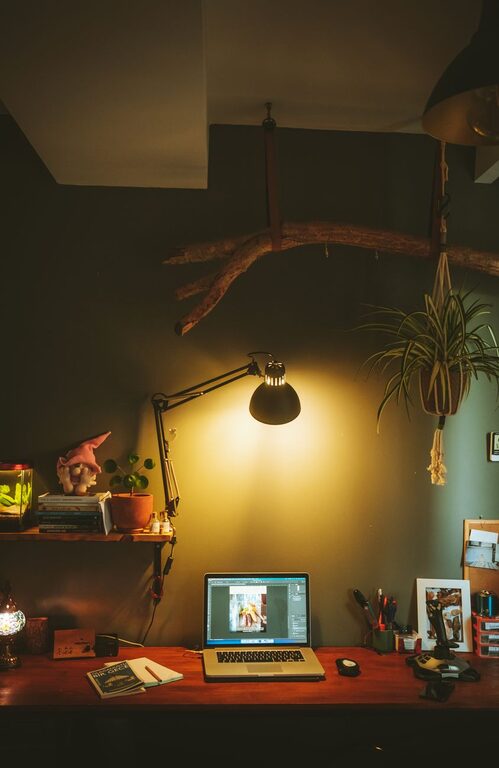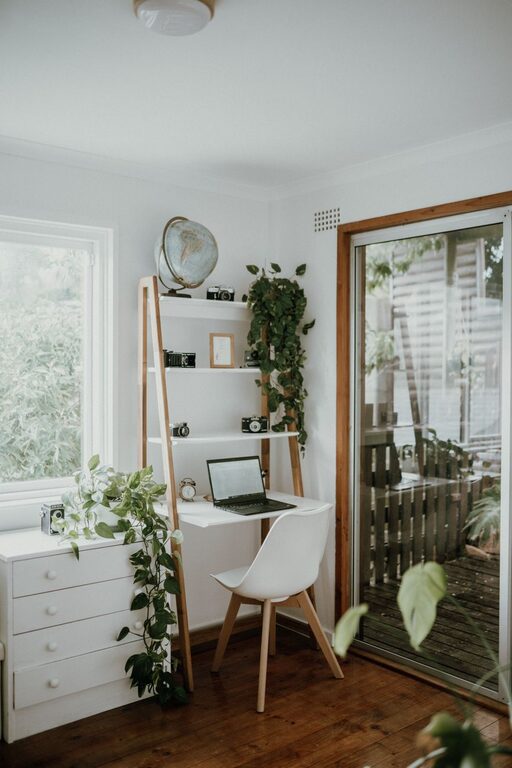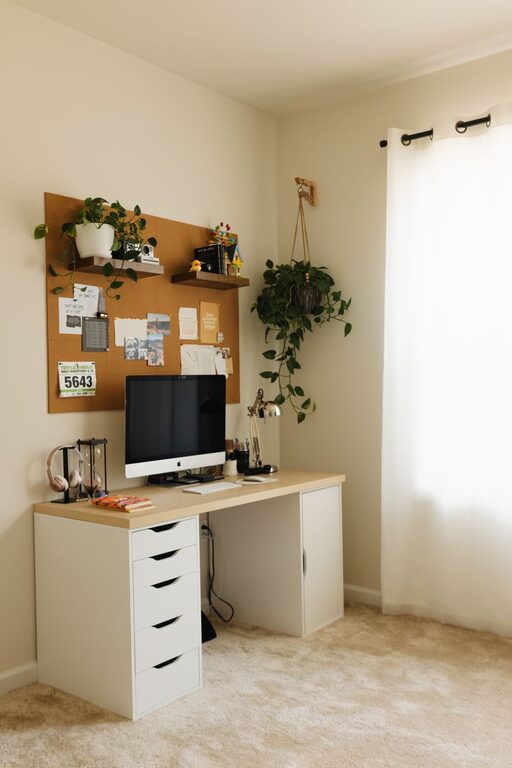

Creating a home office that is both comfortable and productive is essential for anyone working remotely or running a business from home. Whether you have a dedicated room or a small corner, the right setup can make a significant difference in your focus and well-being. Here are some practical tips to help you design an effective home workspace.
Choose the Right Location
The foundation of a productive home office begins with selecting the ideal spot. Consider these factors:
– Quiet and Low-Traffic Area: Pick a place away from household noise and distractions.
– Natural Light: Position your desk near a window if possible; natural light improves mood and energy.
– Space for Movement: Ensure you have enough room to move comfortably and stretch, which helps reduce fatigue.
Invest in Ergonomic Furniture
Comfort directly impacts your ability to work efficiently. Ergonomic furniture supports your body and prevents strain.
– Chair: Choose a chair with good lumbar support, adjustable height, and comfortable cushioning.
– Desk: The desk height should allow your arms to rest at a 90-degree angle when typing.
– Footrest: If your feet don’t rest flat on the floor, consider a footrest to reduce pressure on your legs.
Optimize Your Lighting
Proper lighting helps prevent eye strain and fatigue.
– Use a combination of natural light and adjustable artificial lighting.
– Avoid glare on computer screens by positioning your monitor perpendicular to windows.
– A desk lamp with adjustable brightness can provide focused light for detailed tasks.
Organize with Purpose
A well-organized space saves time and reduces stress.
– Declutter Regularly: Keep only essentials on your desk.
– Storage Solutions: Use shelves, drawers, or filing cabinets to store documents and supplies.
– Cable Management: Use clips or cable organizers to keep cords tidy and out of the way.
Personalize Your Space
Adding personal touches can make your office more inviting and motivating.
– Display photos, plants, or artwork that inspire you.
– Choose colors that promote focus, such as soft blues or greens.
– Use comfortable textiles like a cozy rug or cushions.
Ensure Reliable Technology
Reliable tech tools are crucial for smooth workdays.
– Invest in a good quality computer and peripherals like a keyboard and mouse you find comfortable.
– Use a fast and stable internet connection.
– Keep chargers, extra cables, and backup storage solutions within reach.
Set Boundaries and Routines
Creating mental separation between work and home life enhances productivity.
– Define specific work hours to maintain a healthy work-life balance.
– Use a laptop stand or close your laptop at the end of the day to signal worktime and downtime.
– Inform family members or roommates of your work schedule to minimize interruptions.
Incorporate Breaks and Movement
Taking regular breaks helps maintain focus and reduces physical discomfort.
– Use techniques like the Pomodoro method (25 minutes work, 5 minutes break).
– Stand up, stretch, or walk around during break times.
– Consider a sit-stand desk to alternate between sitting and standing.
Maintain Air Quality
Good air quality can improve concentration and comfort.
– Open windows regularly to let fresh air in.
– Use an air purifier if needed.
– Add indoor plants to naturally improve air quality.
Keep Healthy Habits in Mind
Even in a comfortable space, your habits contribute to productivity.
– Stay hydrated by keeping a water bottle nearby.
– Snack on healthy foods to maintain energy levels.
– Pay attention to your posture to avoid strain.
—
By thoughtfully designing your home office with these tips, you can create an environment that supports your comfort and productivity. Remember, the best home office is one that suits your personal needs and encourages you to do your best work every day.
About the Author